Back to library
Simplified Comparative Infographic Grid Generator Prompt (Legs and Stockings) 1
Image

Simplified Comparative Infographic Grid Generator Prompt (Legs and Stockings)

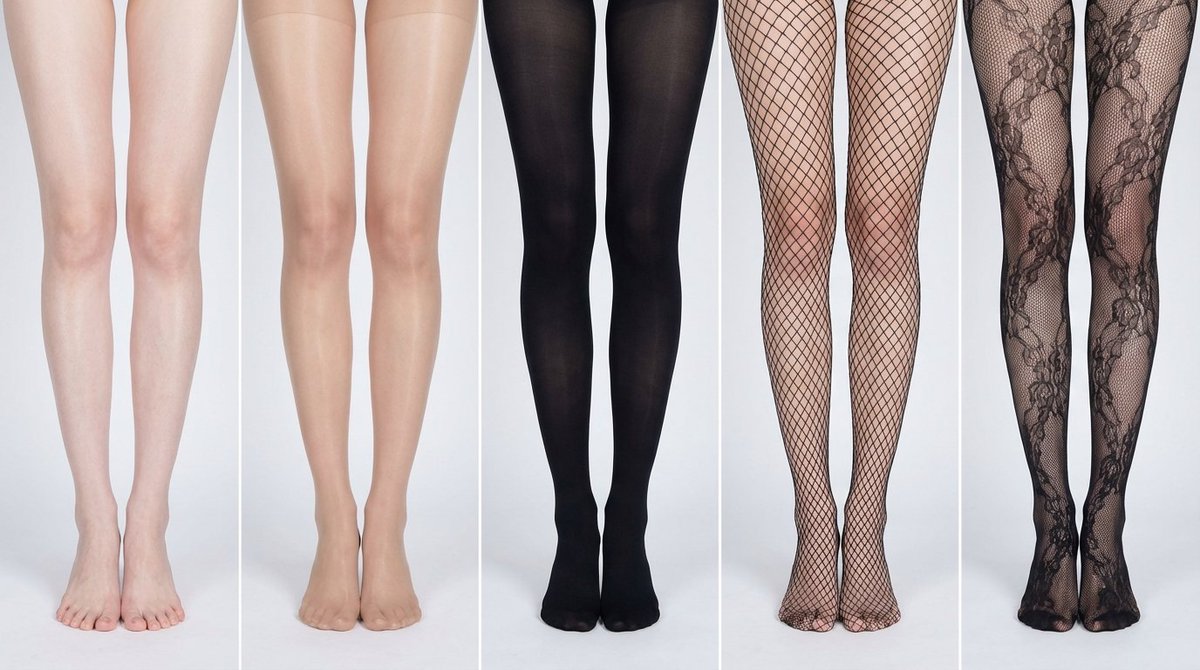
A simplified version of the meta-prompt template for Nano Banana Pro, designed to generate a multi-panel infographic grid for visual comparison of bare legs versus different stockings, with the text overlay feature disabled (NO). It maintains strict consistency across panels to highlight only the material and style variations.

Prompt
# Role: Comparison Infographic Generator (Design-Centric with Toggles)

# === USER INPUT SETTINGS (FILL THESE IN) ===
# 1. Grid Size (e.g., "2x2 (4 panels)", "3x3 (9 panels)"):
{argument name="grid size" default="1x5"}

# 2. Base Subject Description (Identical base scene for all panels):
[{argument name="subject description" default="Cold white, slender, fair Asian female legs, skin delicate and smooth, without blemishes, almost invisible pores and hair follicles. Skin is not dry, slightly moist"}]
# 3. Variations Theme (What is being compared?):
{argument name="variation theme" default="Comparison of bare legs with different stocking materials and styles"}
The feet need to be fully displayed in the frame

# 4. Show Text Overlay at Bottom (Yes/No):
NO

# ===========================================

# Task Description:
Generate a multi-panel infographic grid chart for a comparative visual study based on the User Input Settings above. The goal is to showcase different textural or stylistic variations (defined in the data list below) applied to the identical Base Subject defined above.

# Global Constraints & Style:
1.  **Layout:** A **[Insert setting from "1. Grid Size" here]** infographic grid chart.
2.  **Consistency is Key:** The Base Subject, camera angle, composition, and lighting must remain absolutely identical across ALL panels to emphasize only the specific variations defined in the data list.
3.  **Photography Style:** Clean, controlled studio photography with neutral, even lighting designed to highlight texture differences.

# Text Overlay Display Logic (CONDITIONAL):
(AI Instructions: First, check the value of User Input Setting "# 4. Show Text Overlay at Bottom". You MUST execute ONLY ONE of the following logic blocks based on that value.)

##### ➤ LOGIC PATH A: IF Setting #4 is "Yes" (Show Overlay)
If the user selected "Yes", EVERY panel must feature a precisely designed text overlay at the bottom following these strict rules:
* **Background:** A clean, sharply defined solid rectangular color block (e.g., charcoal grey or black) spanning the entire width of the panel's bottom section.
* **Typography:** Inside this block, the text must be rendered in an **elegant, ultra-thin, minimalist sans-serif font**.
* **Layout:** The text "[Number]. [Short Title] (Prompt: [Key English Prompt Snippet])" must be perfectly centered within the color block.
* **Aesthetic:** The overall effect should be that of professional, minimalist graphic design, with crisp lines and perfect alignment.

##### ➤ LOGIC PATH B: IF Setting #4 is "No" (Hide Overlay)
If the user selected "No", apply this CRITICAL rule:
* **CRITICAL:** DO NOT add any text overlay, numbers, titles, background color blocks, or prompt snippets to the images.
* **Result:** The bottom of every panel must be clean image data only, showing the subject fully without obstruction.

# Base Subject Definition:
The base scene for every panel is: **[Insert description from "2. Base Subject Description" here]**. The variations below will modify the surface or appearance of this base subject.

# Variations Data List (Apply sequentially to the grid):
(AI instructions: Iterate through this list based on the required grid size. For each panel, apply the user-defined 'Visual Change' to the base
Author
Community
Published
Jan 14, 2026
Use cases
Infographic / EducationProduct marketing

More prompts like this

Infographic / Edu Visual - Product Reference Sheet Workflow
Nano Banana Pro

Infographic / Edu Visual - Product Reference Sheet Workflow

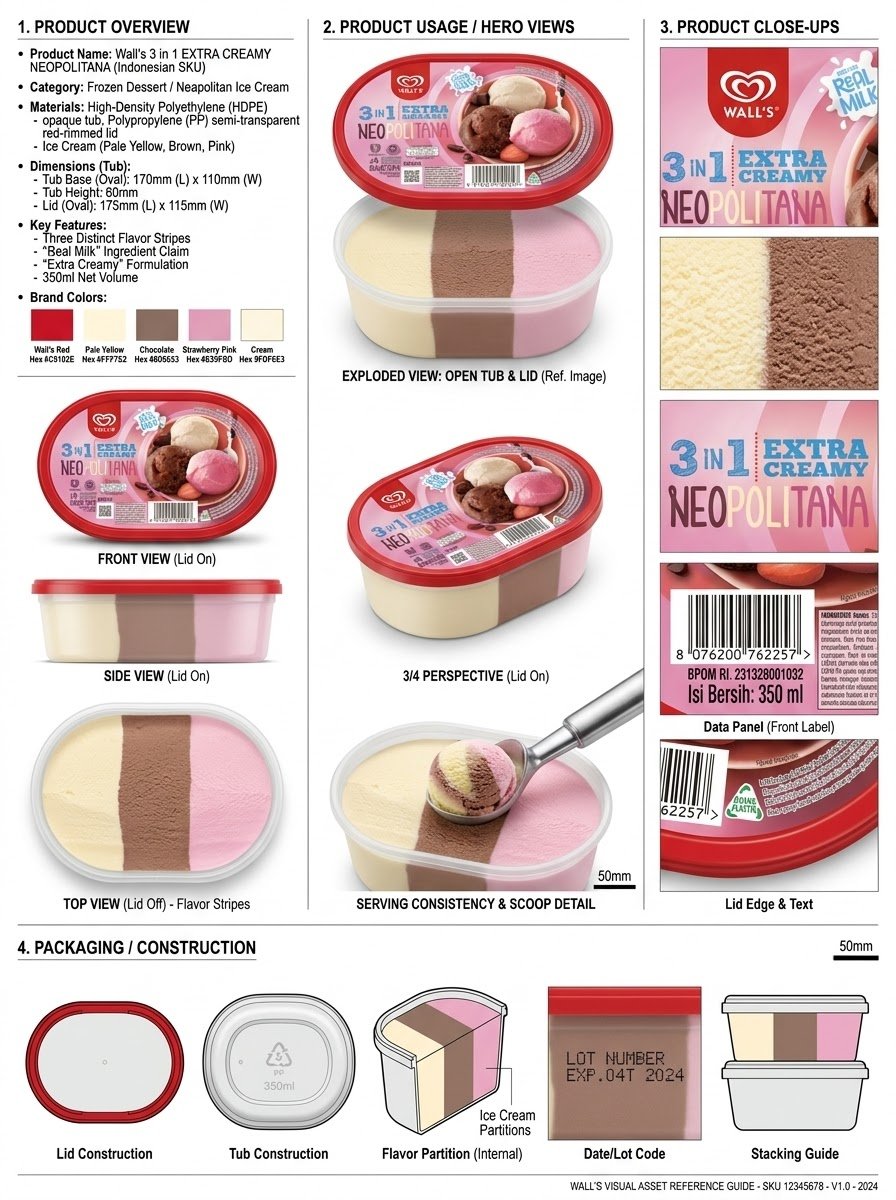
Analyze the product and create a high-resolution, photorealistic, professional advertising reference sheet containing these four sections, on a clean white/neutral studio background, premium commercial product photography, soft controlled lighting, realistic materials, sharp details, subtle shadows, and a professional editorial grid. 1. PRODUCT OVERVIEW; name, category, materials, dimensions/size, key features, and brand colors. 2. PRODUCT USAGE/HERO VIEWS - front, back, side, 3/4, and functional/use view where relevant. 3. PRODUCT CLOSE-UPS - logo/label, texture/material, key components, packaging details, and other important identifying features. 4. PACKAGING / CONSTRUCTION - relevant packaging or structural views where applicable. The entire sheet must function as a visual continuity bible for AI image/video production. Every product view must depict the exact same physical product with absolute consistency. Do not redesign, add variants, alter branding, or change proportions. Use cean typography, clear section labels, thin dividers, balanced spacing, sophisticated production-design aesthetic.

@Olatunde AI
Infographic / Edu Visual - Whimsical Coloring Page Illustration
Nano Banana Pro

Infographic / Edu Visual - Whimsical Coloring Page Illustration

A black and white line drawing features the text "{argument name="quote" default="DOING MY BEST RESULTS MAY VARY"}" in large, bold, bubble-style lettering. The text is surrounded by various cute and whimsical elements, including smiling stars, a cat face, clouds, daisies, hearts, cupcakes, a boba tea, and sparkly starbursts. The overall composition is dense and playful, designed as a coloring page.

@Heather Green
Infographic / Edu Visual - Professional Beef Taco Product Photography
Nano Banana Pro

Infographic / Edu Visual - Professional Beef Taco Product Photography

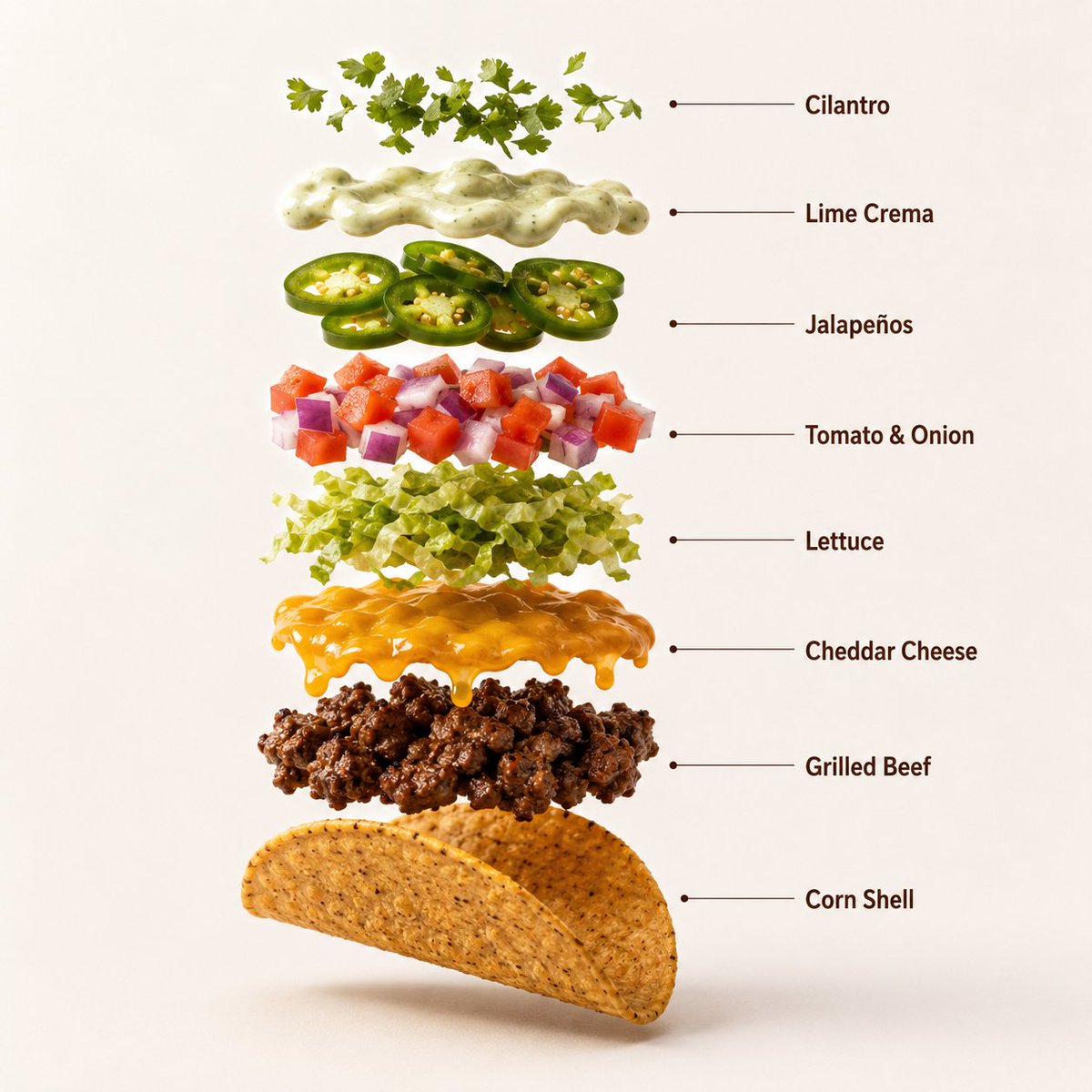
A high-quality professional product photograph of three premium loaded beef tacos arranged neatly on a dark ceramic plate, centered against a warm terracotta-orange seamless studio background. Each taco features a crisp golden corn shell filled with juicy seasoned grilled beef, melted cheddar cheese, fresh shredded lettuce, diced tomatoes, purple onions, jalapeño slices, and creamy lime sauce. The beef has realistic grilled texture and subtle char marks, while the vegetables appear fresh and vibrant with natural moisture. Soft cinematic studio lighting creates rich highlights and subtle shadows beneath the plate. Ultra-sharp focus, DSLR macro food photography, premium Mexican fast-food advertisement style, hyper realistic, clean commercial composition, 8K. Aspect Ratio: 1:1 Create a hyper-realistic exploded vertical infographic composition of a premium loaded beef taco. Top → Bottom structure: Fresh Cilantro Garnish → Lime Crema → Jalapeño Slices → Diced Tomato & Onion → Shredded Lettuce → Melted Cheddar Cheese → Seasoned Grilled Beef → Crispy Corn Shell Every element must be perfectly centered, evenly spaced, and aligned vertically. Show realistic grilled beef texture, melted cheese, crisp vegetables, fresh herbs, creamy sauce, and a detailed crunchy corn shell. Use a warm terracotta-orange seamless studio background, soft commercial lighting, subtle realistic shadows beneath every floating element, ultra-sharp DSLR macro food photography, premium fast-food infographic aesthetic, clean professional composition, hyper realistic, 8K. Add clean minimalist infographic text labels with thin pointer lines using these exact labels: "Cilantro" "Lime Crema" "Jalapeños" "Tomato & Onion" "Lettuce" "Cheddar Cheese" "Grilled Beef" "Corn Shell" Aspect Ratio: 1:1 The tacos start to slowly spin while the ingredients separate gently and precisely, maintaining alignment and scale. The motion is smooth, appetizing, and controlled with no extra effects.

@𝐌
Handmade Art Style Visualizer Grid

Handmade Art Style Visualizer Grid

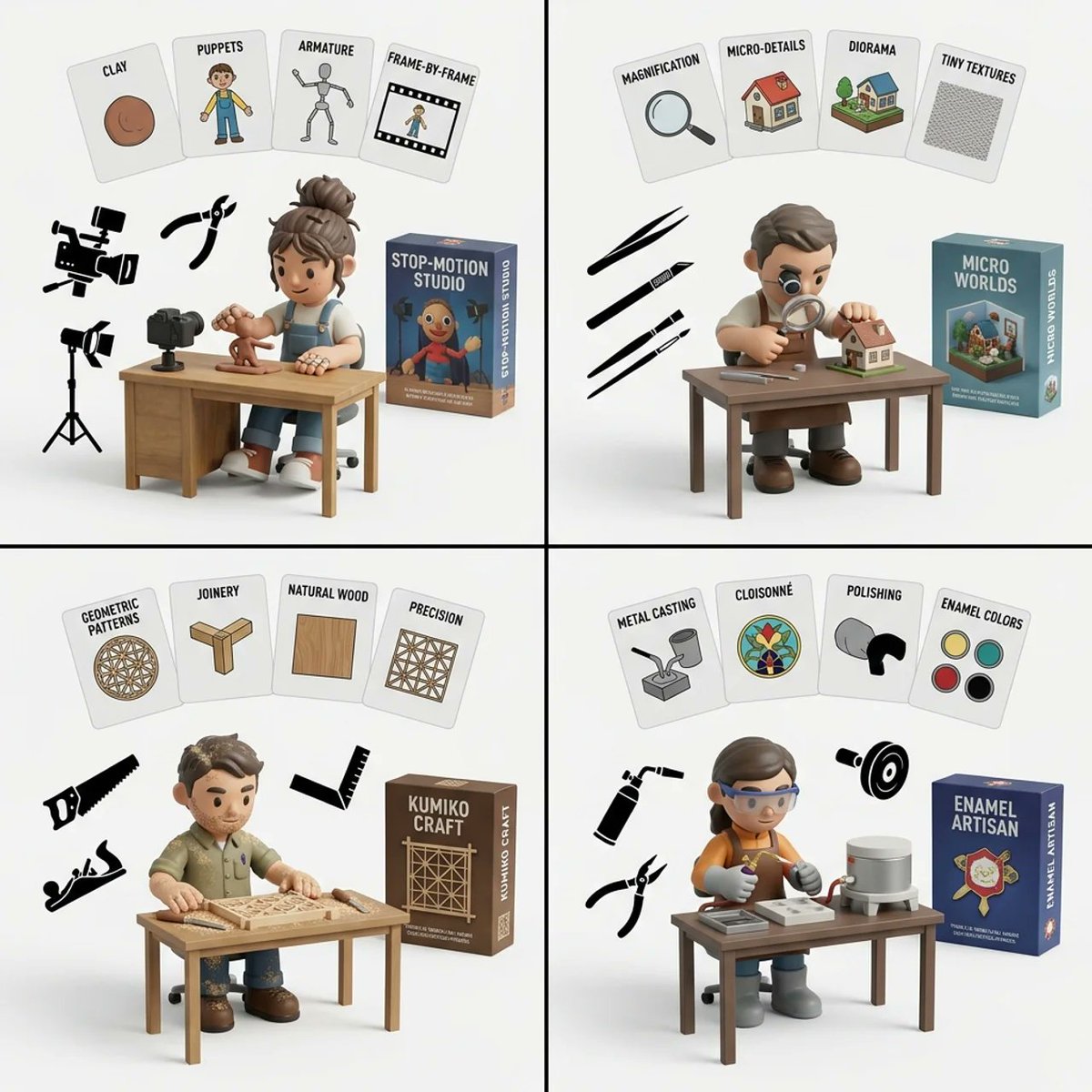
2x2 grid, do this for 4 hardest type of handmade art style 1. infer the 4 most common artistic motifs of {argument name="art style" default="[art_style]"}. generate them as 2d flat cards floating at the top of the image with text labels. 2. infer the typical fashion, hairstyle, and tattoo coverage of an artist who specializes in {argument name="art style" default="[art_style]"}. 3. generate a 3d vinyl toy character matching this fashion, sitting at a wooden desk drawing. 4. infer the specific tools used to create {argument name="art style" default="[art_style]"}. generate them as flat 2d black silhouettes floating in the air. 5. generate a 3d product box in the background matching the theme. 6. render all on a clean white studio background. execute.

Exploded View Product Diagram Prompt

Exploded View Product Diagram Prompt

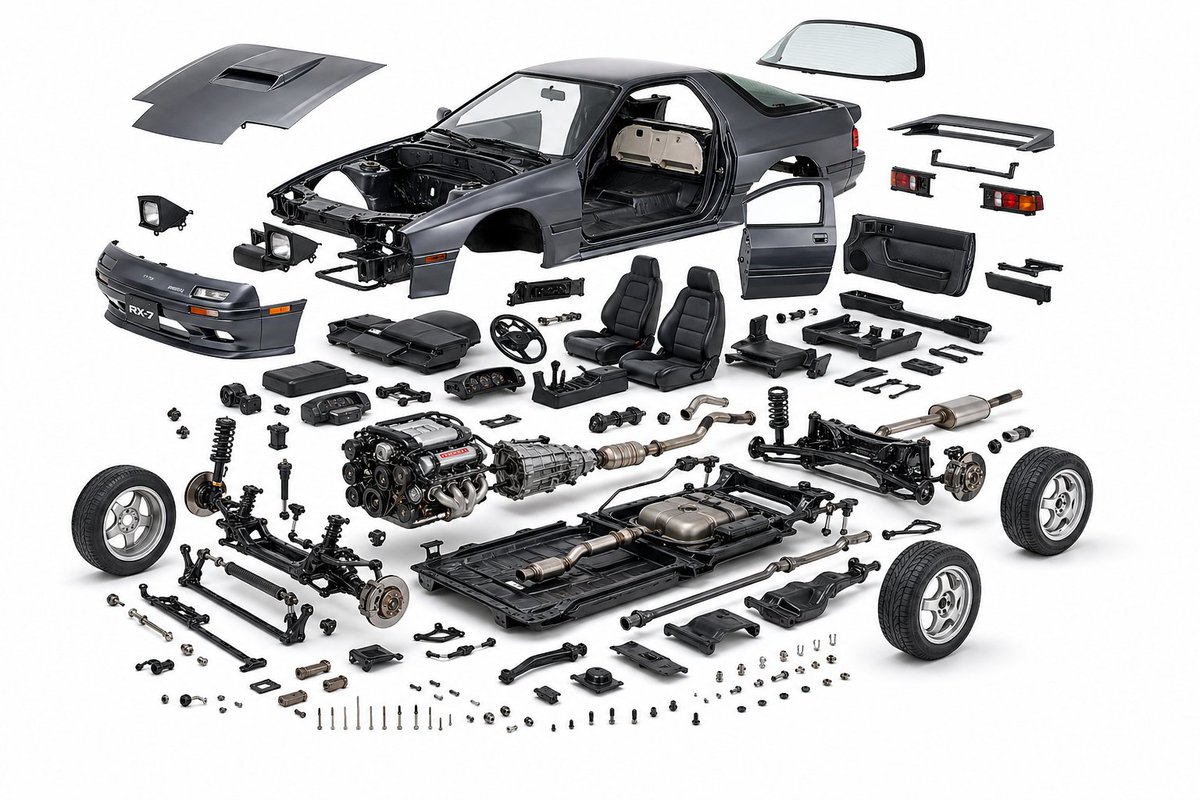
create a product design, {argument name="object" default="mazda rx7 fc3s"}, exploded view diagram, white background, three-dimensional, highly detailed internal components, studio lighting, product photography, best quality

Cities as Kinetic Sculptures Grid

Cities as Kinetic Sculptures Grid

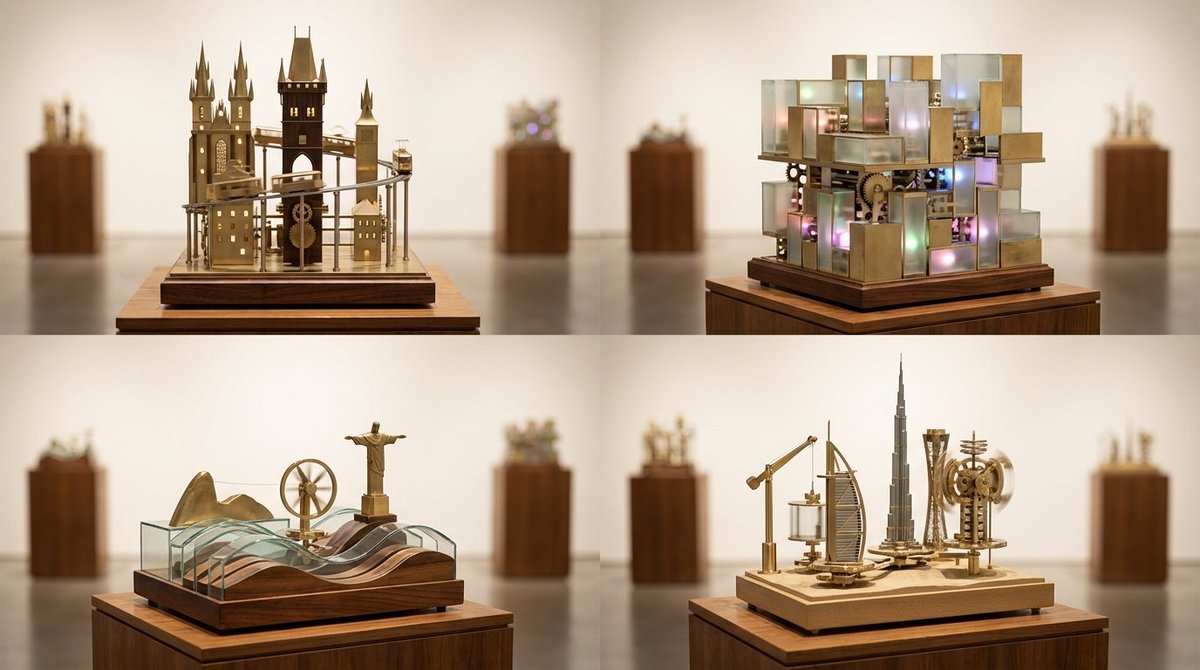
A 2x2 grid of 4 random famous cities turned into looping kinetic sculptures on museum plinths [Top Left: random real European city as a vertical kinetic skyline with moving trams and tiny lights] [Top Right: random real Asian megacity as a multi-layered kinetic light grid with sliding blocks] [Bottom Left: random real coastal city with rolling wave mechanisms and rotating landmarks] [Bottom Right: random real desert or inland city with lifting arms and spinning towers] Photoreal miniature kinetic sculptures made of brass, glass, and polished wood, subtle motion implied by blurred rods and tracks, illuminated display plinths in a gallery setting, soft museum lighting, gentle reflections on the floor, 60mm perspective for elegant compression, shallow depth of field isolating each sculpture, warm white seamless backdrop, crisp focus on intricate mechanics.

Augmented Reality UI Overlays on Food Items

Augmented Reality UI Overlays on Food Items

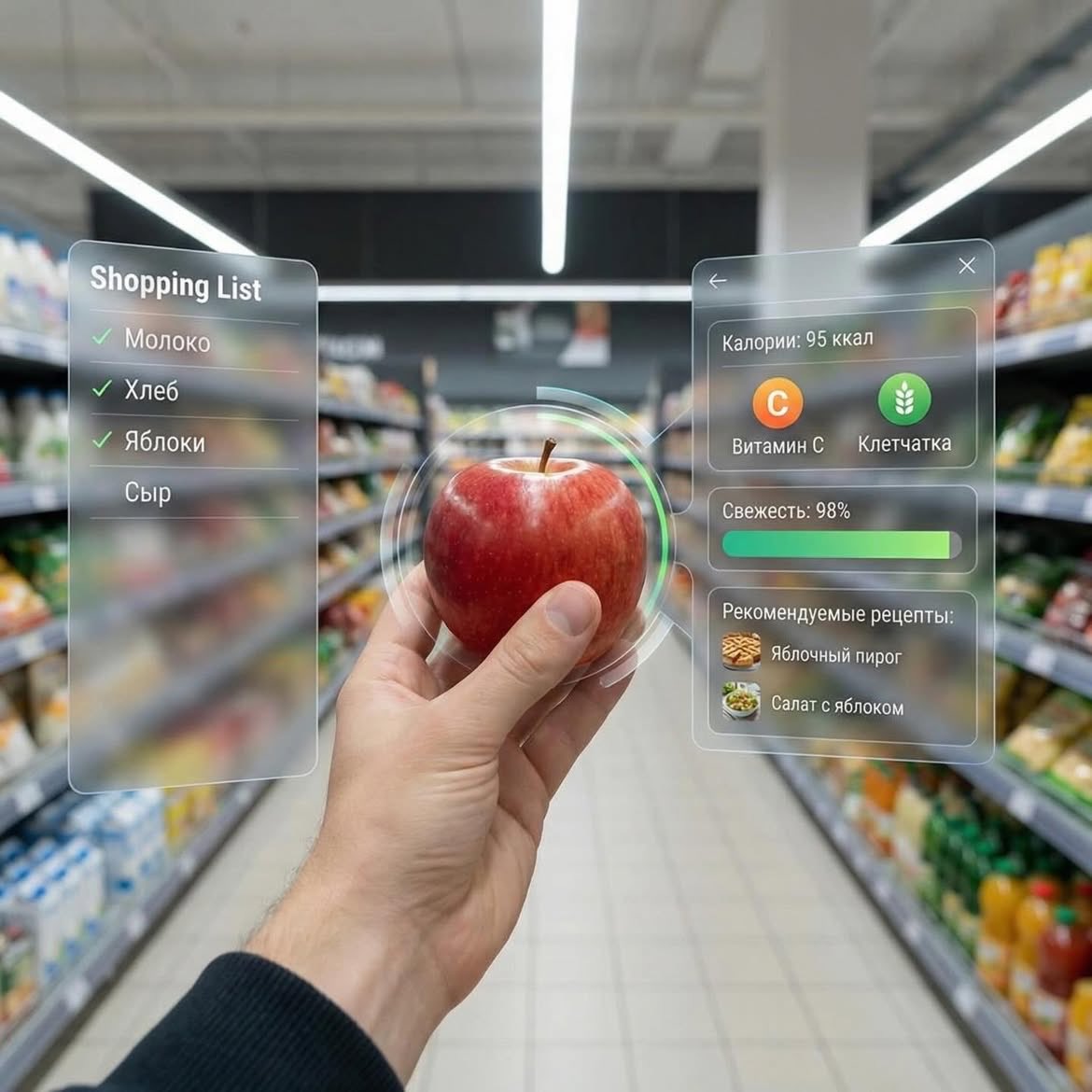
Dessert (AR shopping UI) POV shot inside a modern supermarket aisle, hands holding a small gourmet dessert with cream and berries, futuristic augmented reality (AR) interface overlay showing calories, sugar, fats, freshness score, expiry date, and recipe suggestions, soft depth of field, cinematic lighting, ultra-realistic, 4K, tech-inspired UI, clean glassmorphism design ⸻ 2. Apple (AR nutrition UI) First-person view in a grocery store holding a fresh red apple, augmented reality interface displaying calories, vitamin C, fiber, freshness bar, and recipe ideas, minimal futuristic UI panels floating around the object, bright supermarket lighting, shallow depth of field, hyper-realistic, modern tech aesthetic, 4K ⸻ 3. Orange Soda Bottle (AR data UI) POV shot of hands holding an orange soda bottle in a supermarket aisle, futuristic AR overlay showing calories, sugar content, caffeine level, freshness score, expiry date, and drink recipes, sleek holographic interface, glassmorphism UI, vibrant colors, cinematic lighting, ultra-detailed, photorealistic, 4K

Typographic Sculpture of Historical Inventions

Typographic Sculpture of Historical Inventions

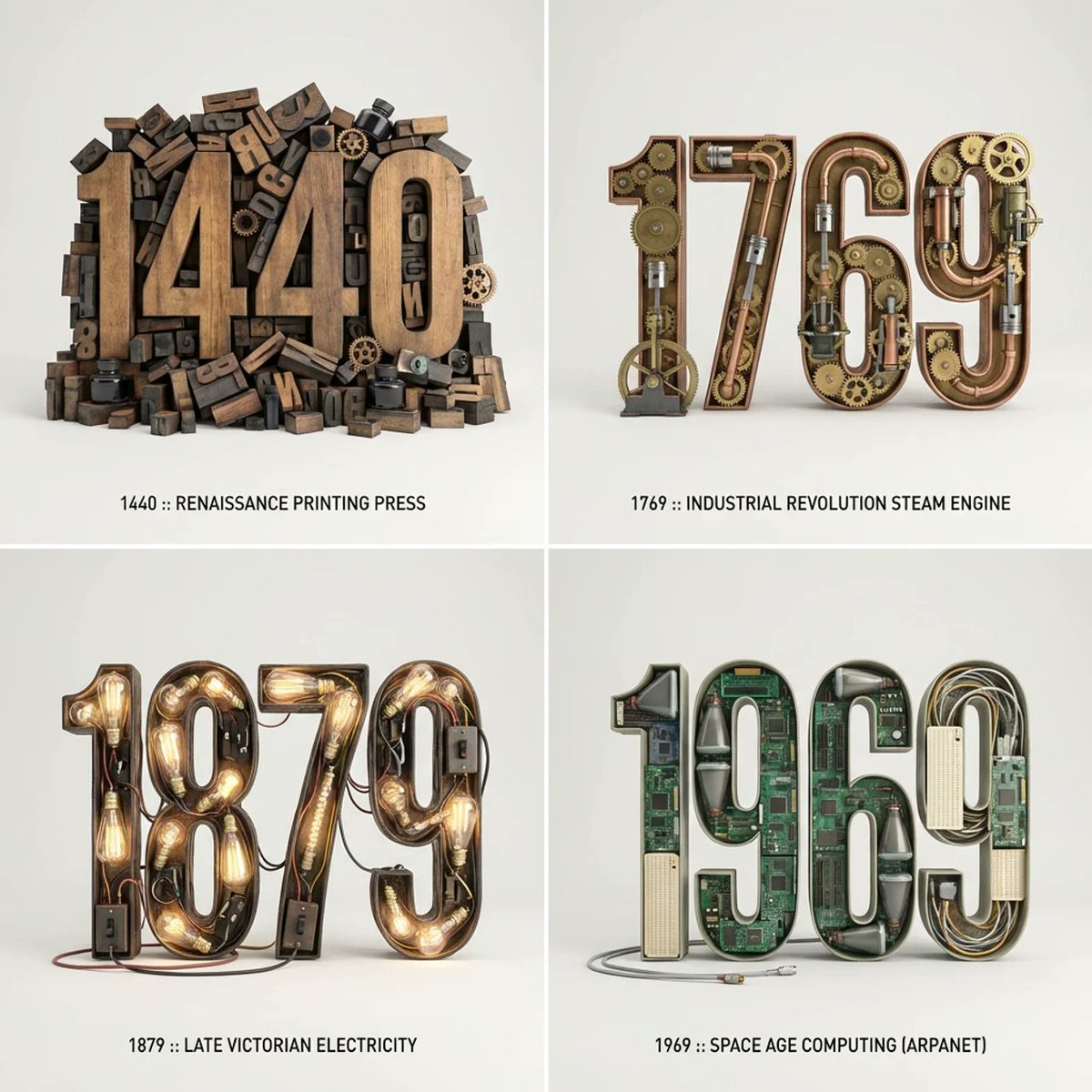
2x2 grid, do this for 4 important years in history and their most important inventions { Anchor: `[Letter/Number] :: [Era/Theme (e.g., 1980s Retro Tech / Victorian Steampunk)]::4` Morphology: `3D Typographic sculpture of [Letter/Number], character shape defined by a dense pile of [Era/Theme] objects, chaotic but legible assemblage, graphic design asset::3` Material Physics: `Textures of [Era/Theme] objects (plastic, rust, wood), occlusion between stacked items, realistic scale of constituent parts forming the glyph::3` Illumination: `Three-point studio lighting, softbox overhead, clean background for isolation::2` Render Stack: `Cinema 4D render, isometric or front-facing, ambient occlusion, 8k, Adobe Substance material suite::1` Negative: `[Illegible, flat font, 2D, handwriting, paper, messy background, floating objects]:: -1`}

Some prompts are collected from creators on X. Copyright belongs to the original authors.